Table of Contents
-
OCR Dashboard
-
OCR Inbox
OCR Dashboard
In the AP Dashboard, you can see the status of every OCR bill at a high level via the OCR Dashboard.
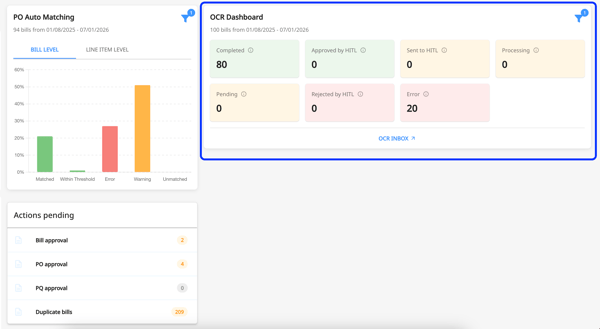
Here’s what each status signifies:
- Completed: OCR has finished and bill is successfully generated.
- Approved by HITL: A human has reviewed and approved the OCR results.
- Sent to HITL: OCR results are sent for human review.
- Processing: OCR is currently running and analyzing the document.
- Pending: OCR task is queued and awaiting processing.
- Rejected by HITL: A human reviewed the OCR results and rejected them.
- Error: An issue occurred during OCR processing
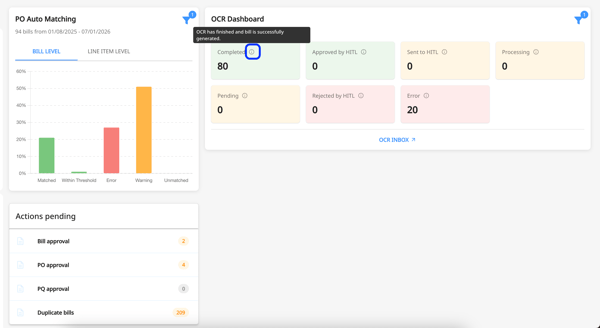
You can also view what each status means by hovering over the information icon ( ℹ️ ).
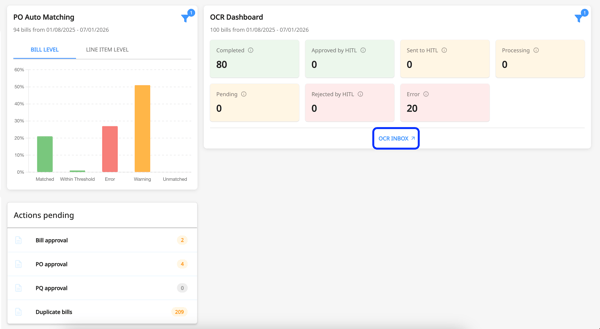
To deep dive into the status of each OCR bill, click on "OCR Inbox".
OCR Inbox
In the OCR Inbox, you can upload your bill directly by clicking on the "Upload file" option for AI-powered OCR processing.
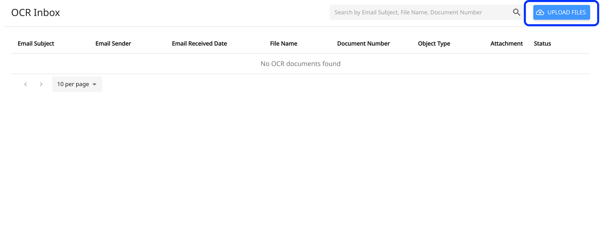
In the OCR Inbox page, you will be able to see all the bills (uploaded via OCR Inbox and sent via email) and their corresponding Status.
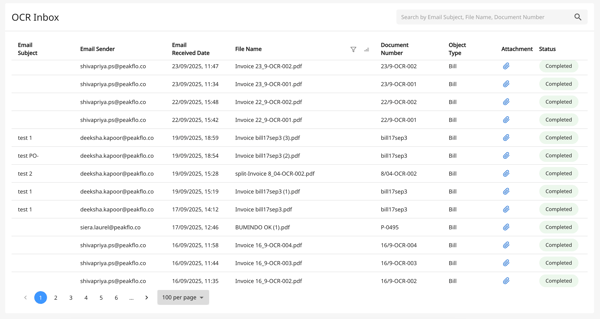
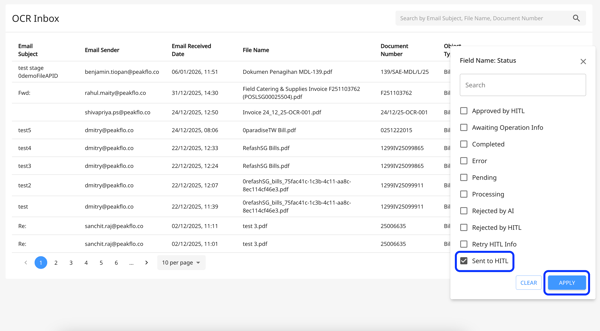
You can sort and filter by Email Subject, Email Sender, Email Received Date, File Name, Document Number, Object Type, and Status.
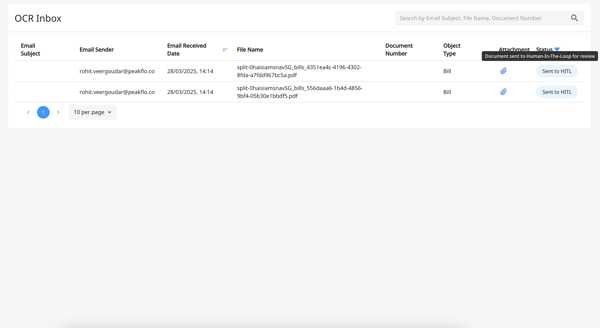
For example, you want to see the bills that are Sent to HITL, then click on the Status filter, click the checkbox adjacent to "Sent to HITL", and hit "Apply".
Now, you will only see the OCR bills that have the status “Sent to HITL”.
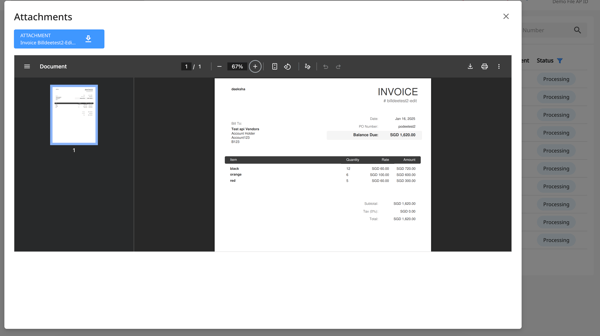
You can also see the OCR bill attachments by clicking the paperclip icon ( 📎 ) under Attachment.
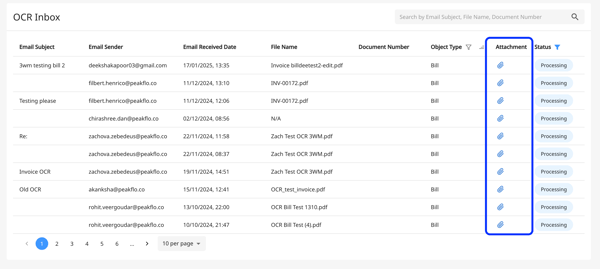
A pop-up will appear with the preview of the attachment file.