![Peakflo_480_white.png]](https://help.peakflo.co/hs-fs/hubfs/Peakflo_480_white.png?width=123&height=30&name=Peakflo_480_white.png)
With Ledger, you can keep a record of all your account transactions and do real-time tracking!
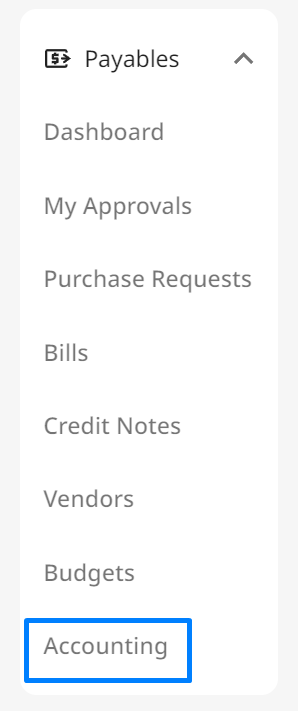
To access Ledger, click on Accounting on the left sidebar.
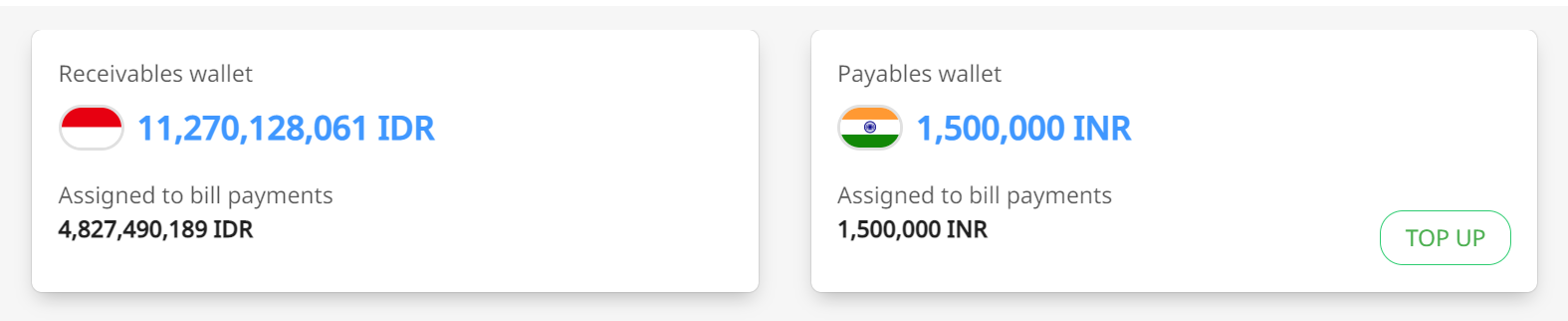
At the top, you can see your payable and receivable wallets and their balance in multiple currencies.
Once you scroll down... this is where the best part comes in ✨
Here's the Ledger table view! Filter your data based on the type of wallet, or a specific period, or use the search bar as you please.
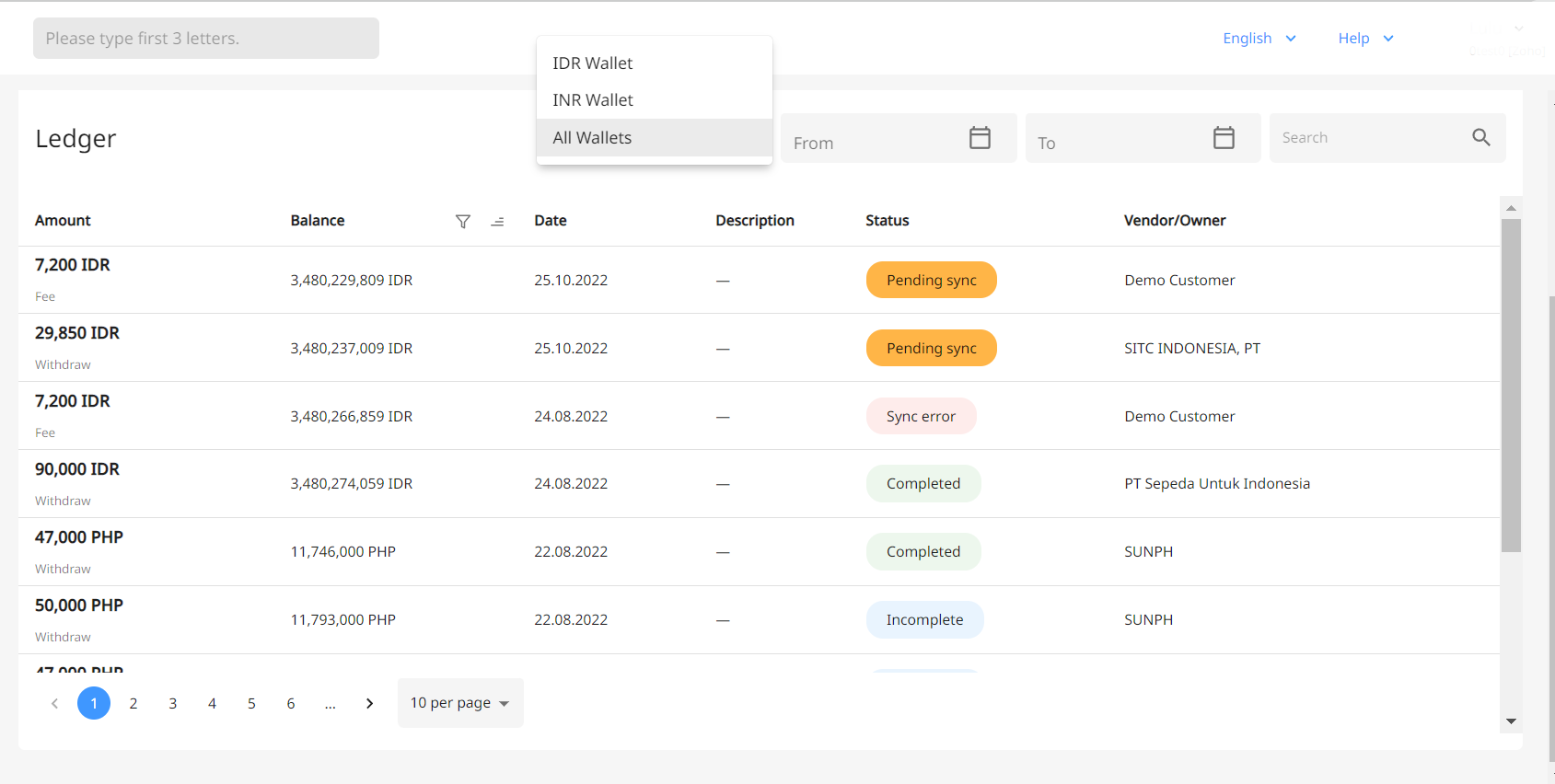
You can also find information such as:
- Spend history
- Transaction date
- Vendor or owner of the transaction
- Most importantly, real-time sync status. If you see any sync issues or if the status is stuck on "Pending Sync" for a long time, there are different ways to fix it (depending on the error type):
You can also export the ledger to make reconciliation a breeze 🔃

FAQ
What are shown in Ledger records?
The ledger records includes:
- Deposit: Displays all incoming funds, including received payments and wallet top-ups
- Fee: Shows any processing or transaction fees deducted from your wallets
- Withdraw: Lists all outgoing funds, such as payments made to vendors or internal transfers