
Start by downloading a copy of - Mass Upload Vendors template
Once you've downloaded the template, start filling all the columns with the vendor details that you want to be uploaded.
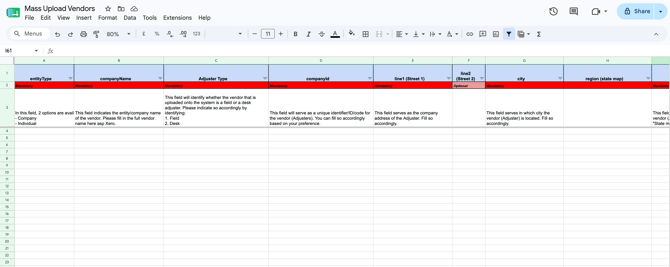
Once the mass upload file is ready, follow the below steps:
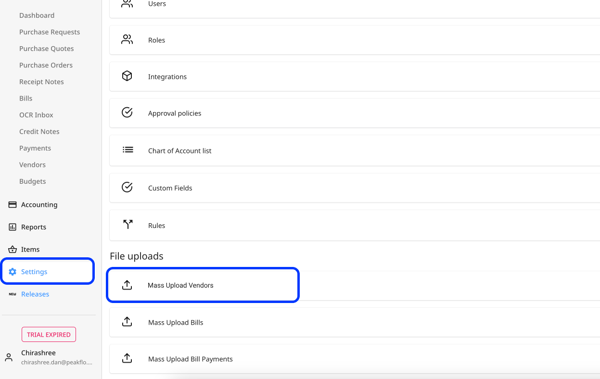
1. Go to "Settings" and under the "File Upload" section, click on "Mass Upload Vendors".
2. Click on the "Upload Vendors" button.
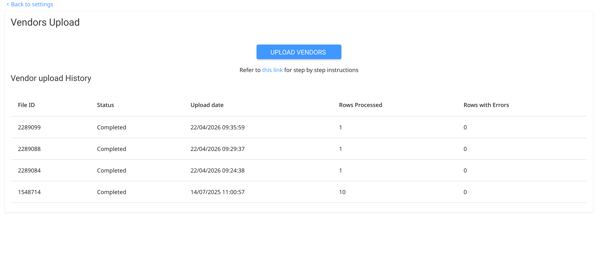
3. Upload your file in CSV, XLSX, or XLS format. Peakflo will process and upload the vendor details in a few minutes.